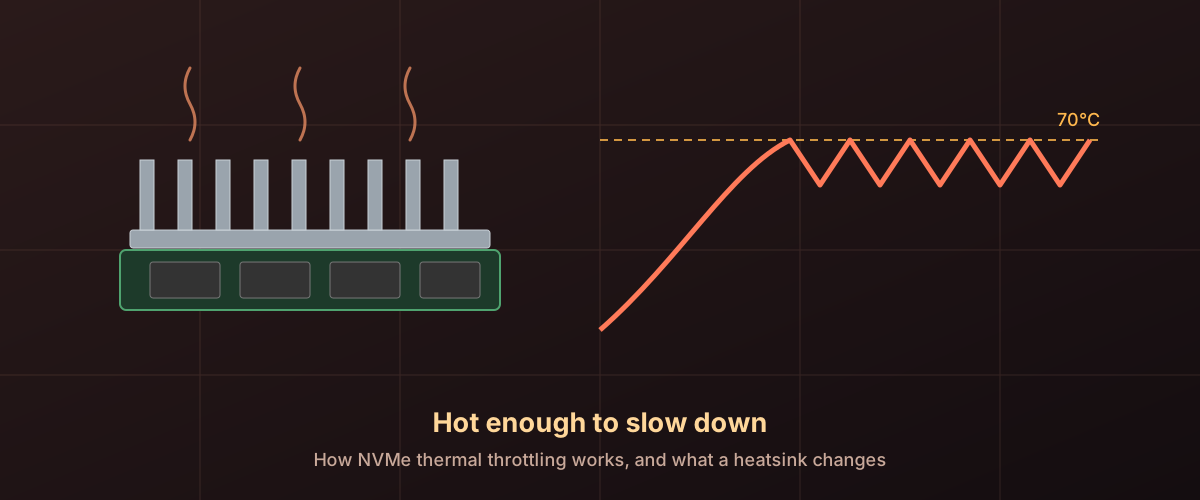
Does an NVMe SSD Need a Heatsink? How Thermal Throttling Works
An NVMe drive slows itself when it gets hot, by design. What sets the limit, what a heatsink changes, and how to tell if yours has ever throttled.
Drive marketing is built around the numbers that flatter it. We explain the ones that decide how a drive actually behaves.
Drives
Windows says Optimize, old advice says never defrag an SSD, and Microsoft's docs say it happens monthly. Here is how those fit together.
An NVMe drive slows itself when it gets hot, by design. What sets the limit, what a heatsink changes, and how to tell if yours has ever throttled.
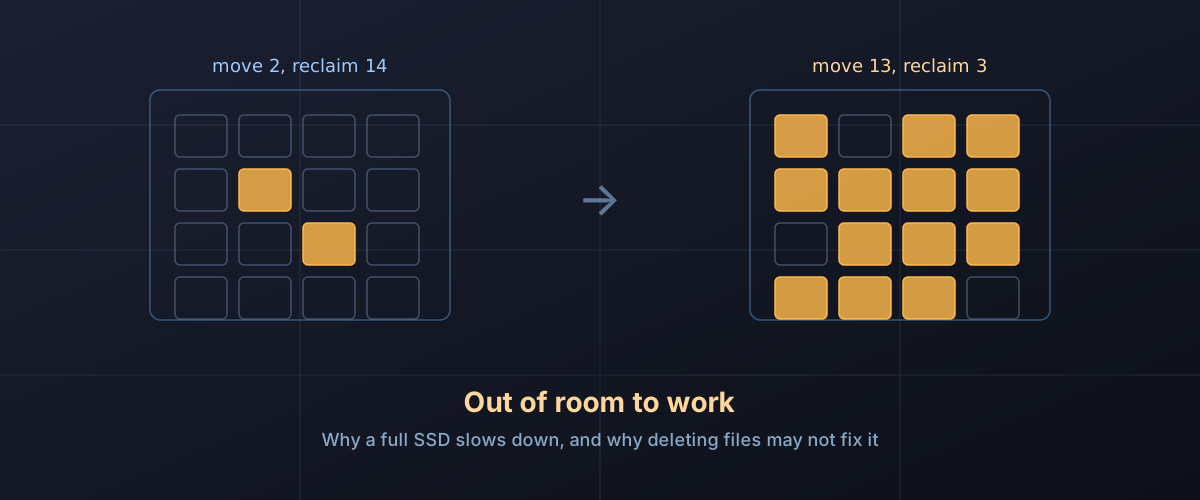
Filling an SSD does more than shrink its write cache. It makes garbage collection expensive, and that slowdown does not end when the copy does.
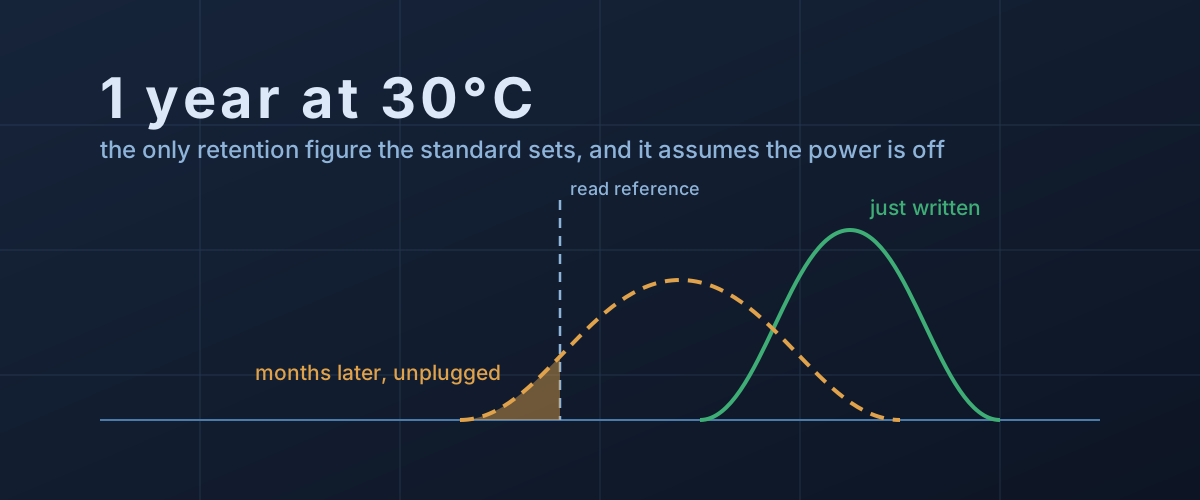
An SSD in a drawer is slowly leaking the charge that stores your files. What the one-year figure really promises, what speeds the loss, and how to keep it safe.
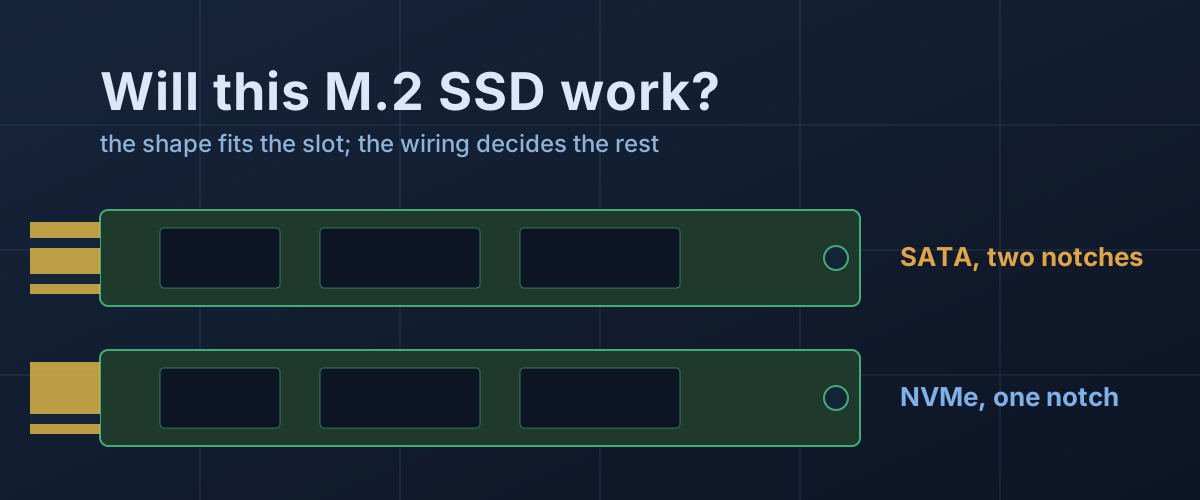
Two M.2 SSDs can be the same size and fit the same slot while only one of them works in it. How to read the keys, the size code and the slot's wiring.
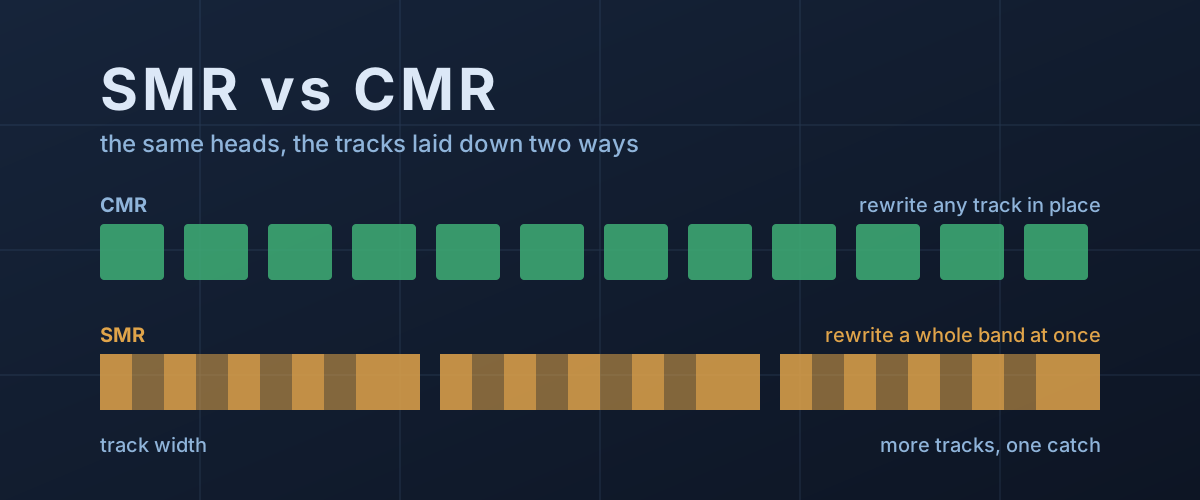
Two hard drives can match on capacity, speed and cache and still behave very differently under heavy writes. The difference is how the tracks are laid down.
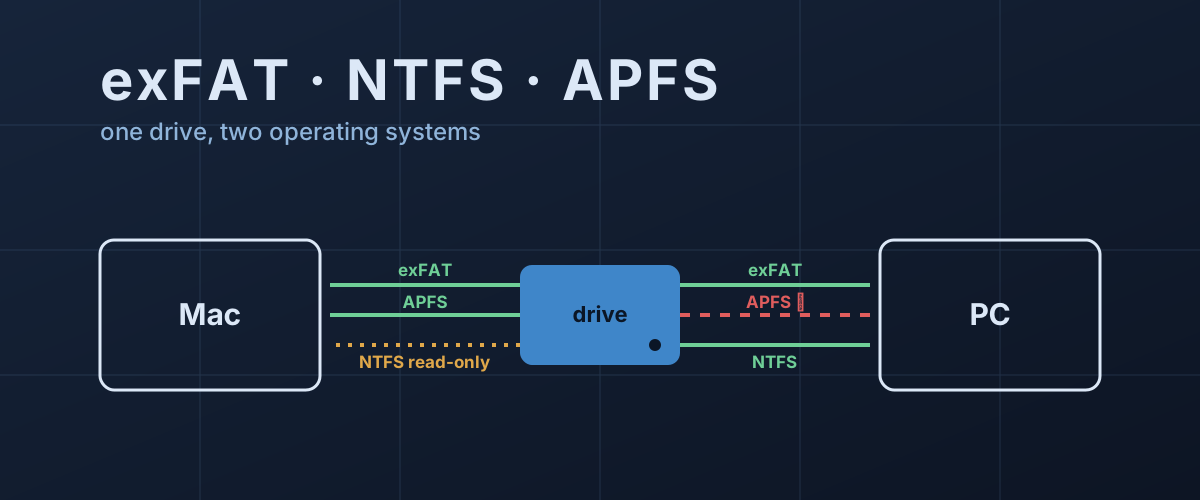
Why a Mac can read a Windows drive but not write to it, what exFAT gives up to work on both, and which format fits which drive.
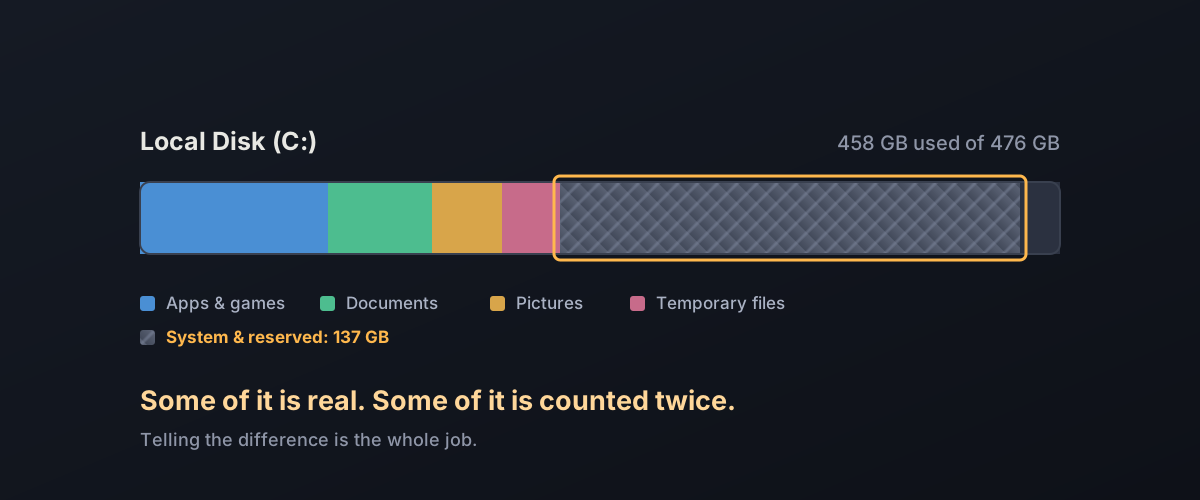
Storage Sense freed a few gigabytes and the drive is still full. Here is what is holding the rest, and which of it Windows will hand back on its own.
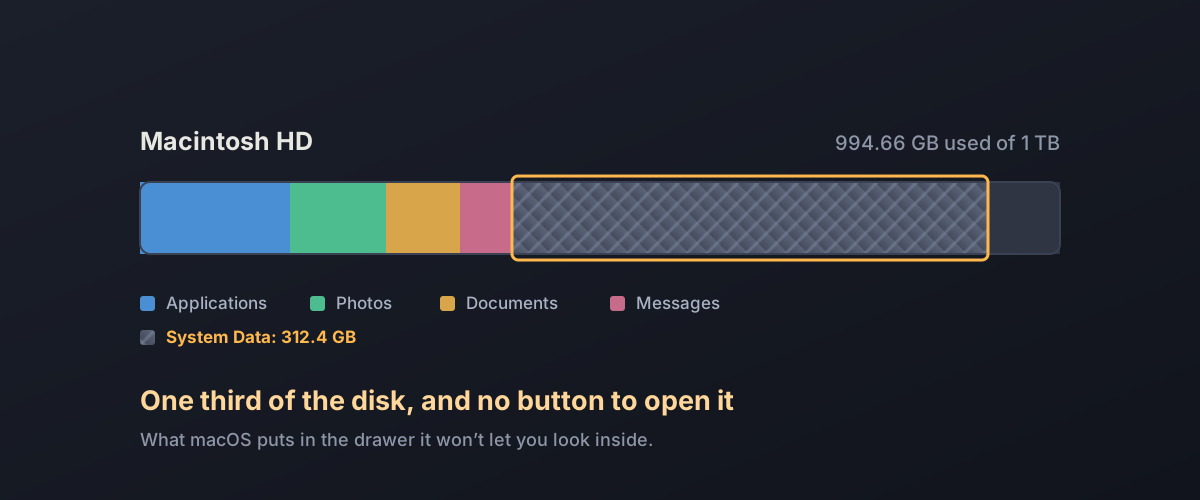
macOS reports a large opaque "System Data" category and offers no way to open it. Here is what is inside, and which parts are safe to clear.
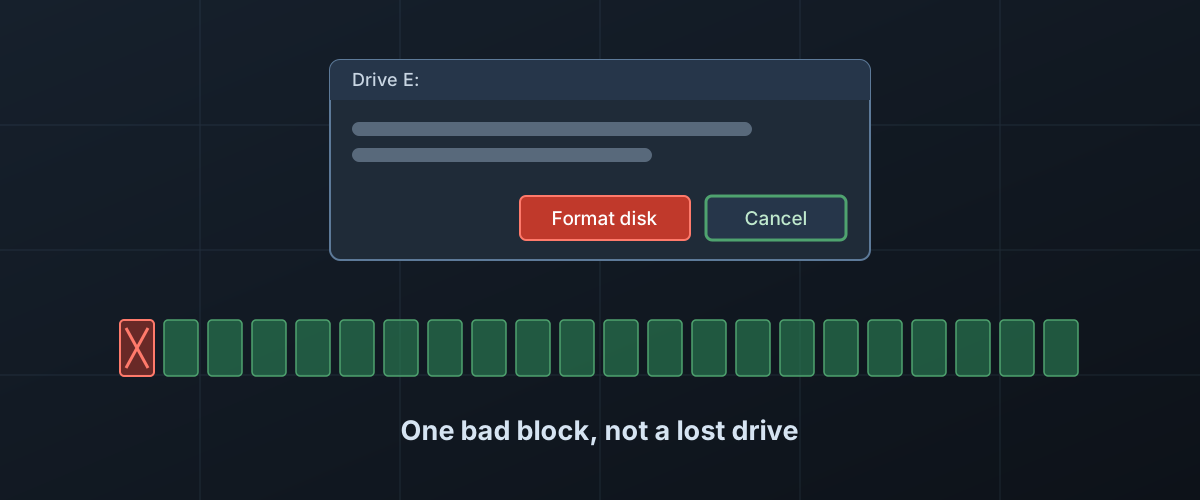
Windows says a drive full of files needs formatting. What the message actually means, why your files are probably still there, and what Format would do to them.
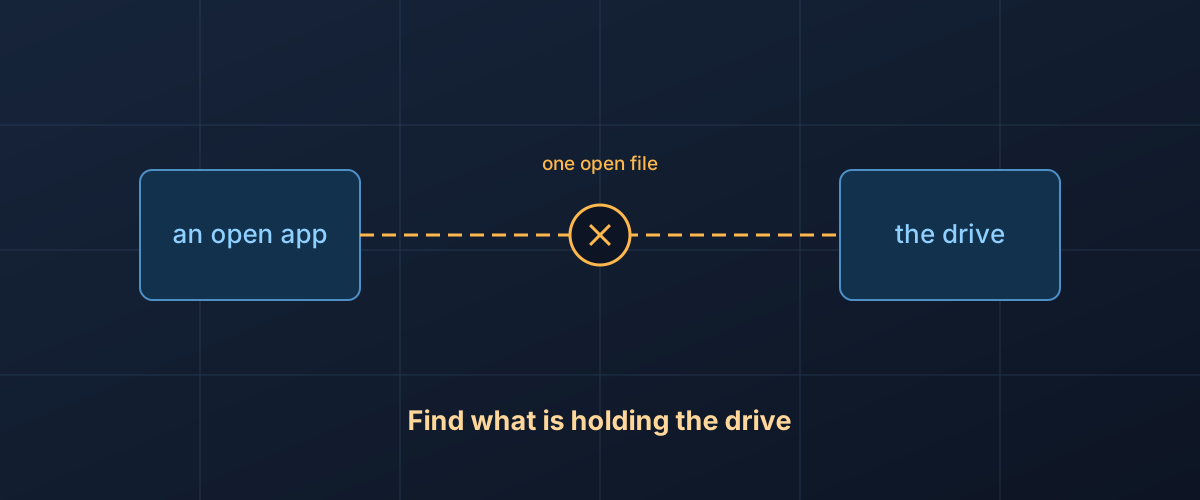
Why Windows and macOS refuse to eject a drive that is in use, what eject actually does, and how to find the program responsible without risking your files.
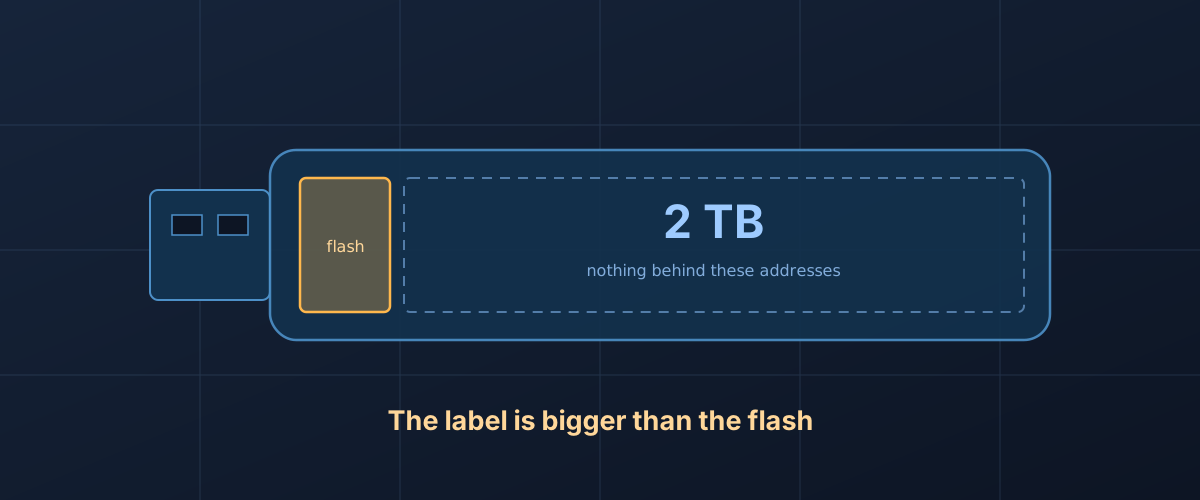
Why a 2TB thumb drive can hold 64GB and still look full size, how the lie loses your files, and how to test a stick or card before you trust it.
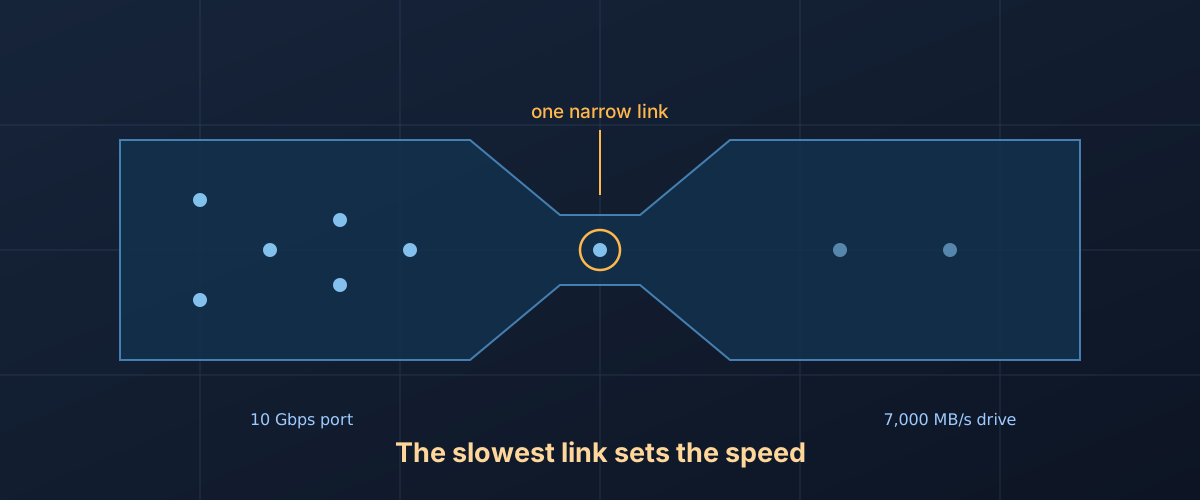
A transfer runs at the speed of its slowest link. How to find which link is yours: the cable, the port, the other end, or the drive.
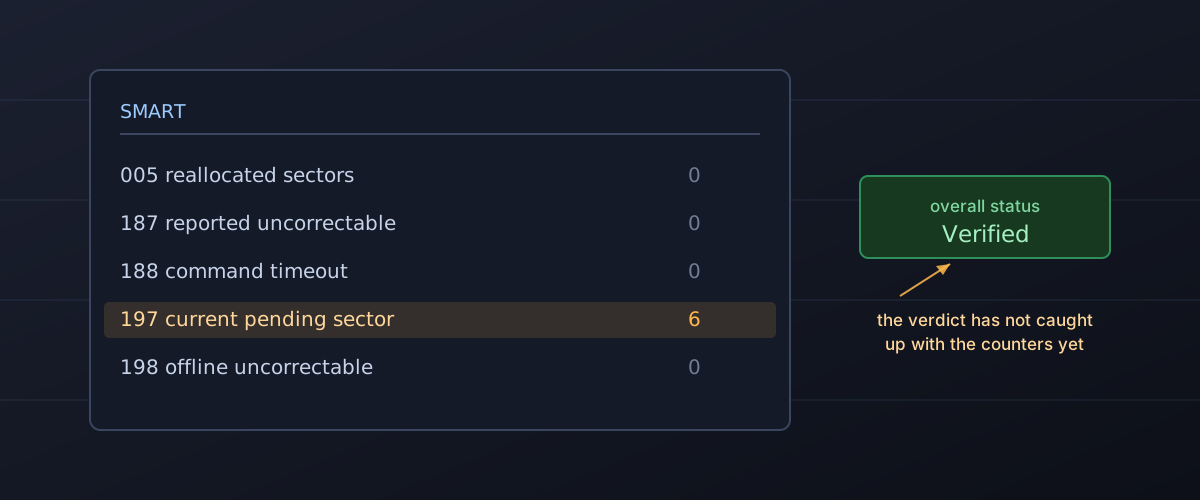
SMART warns you about some failures and says nothing about others. What the counters mean, what sounds mean, and when to stop diagnosing and start copying.